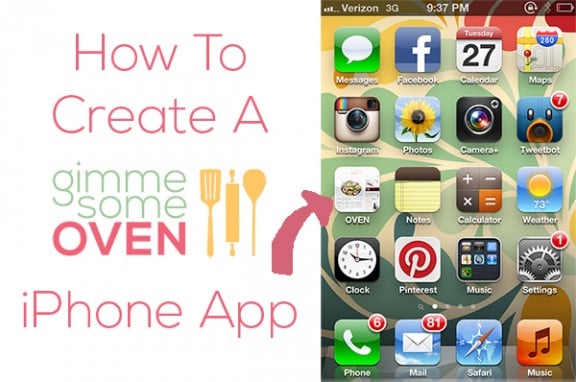
Ok, many of you iPhone pros may already know this trick. But one of my friends just showed me how to create a Gimme Some Oven app icon on my iPhone, and I had to share it with you!!
Basically, it is just a simple way to create an icon on your homepage for any website (or, um, food blog) that you love. So instead of having to open a browser like Safari or Chrome, you can go straight to the source. Brilliant!
Here’s the quick how-to…

Clearly, you can see that I had a bit of an email and voicemail buildup today. Oh the joys of taking the afternoon off to get a haircut. :)
Hope this little tutorial might be a help to you!




Thanks!! I am def. trying this out.
How stinkin’ cool are you?! I have to share this!
Okay, seriously. This is really cool! Thanks for sharing!
Oh my word! Thanks for showing me how to do this :D
xo
summer
I did this immediately after you showed me… who knew it was so easy!
This is such a good idea! Why do I have to own a BlackBerry? >.<
Thanks so much!
Great idea! I have a desktop version that sits in my line of apps so I can go straight to my site without a browser. Love shortcuts.
How COOL! :)
Great tutorial! Never knew it was that simple!